Elegoo Neptune 4 Max Enable Webcam
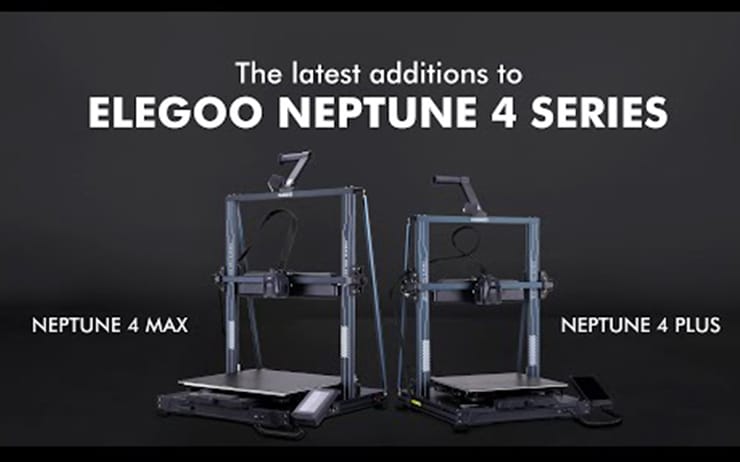
Reyt then;
Open an SSH editor and enter the printers IP (I like to use putty)
These are the logins
username: mks
password: makerbase
Follow these steps once logged in: (right click to paste in putty)
- sudo systemctl enable webcamd
- sudo systemctl start webcamd
- Go onto the printers fluidd web interface
- Go into settings and then Cameras
- Select the "Default" camera and activate it
Done
This is the model I used to mount the webcam, prints quickly and includes a screw - https://makerworld.com/en/models/619116-elegoo-neptune-4-pro-plus-max-webcam-mount